Private local-first translation
Translate without leaving your workflow.
PrivyTranslate gives you one private translation workspace across your devices—on-device when possible, and connected only to providers you choose.
Translate without leaving your workflow.
无需离开工作流程即可翻译。
Designed for focused translation
Use a compact translation window for direct input, translate selected text with a global shortcut on desktop, or send text and links from your mobile Share Extension. Recent translations stay in local history for easy reuse.
Direct text translation
Paste or type text, select a target language, and keep the result close at hand.
One consistent setup
Choose built-in Local, Ollama, LM Studio, or an OpenAI-compatible endpoint.
Local by default
Review, copy, or remove recent translations without creating an account.
Browser translation
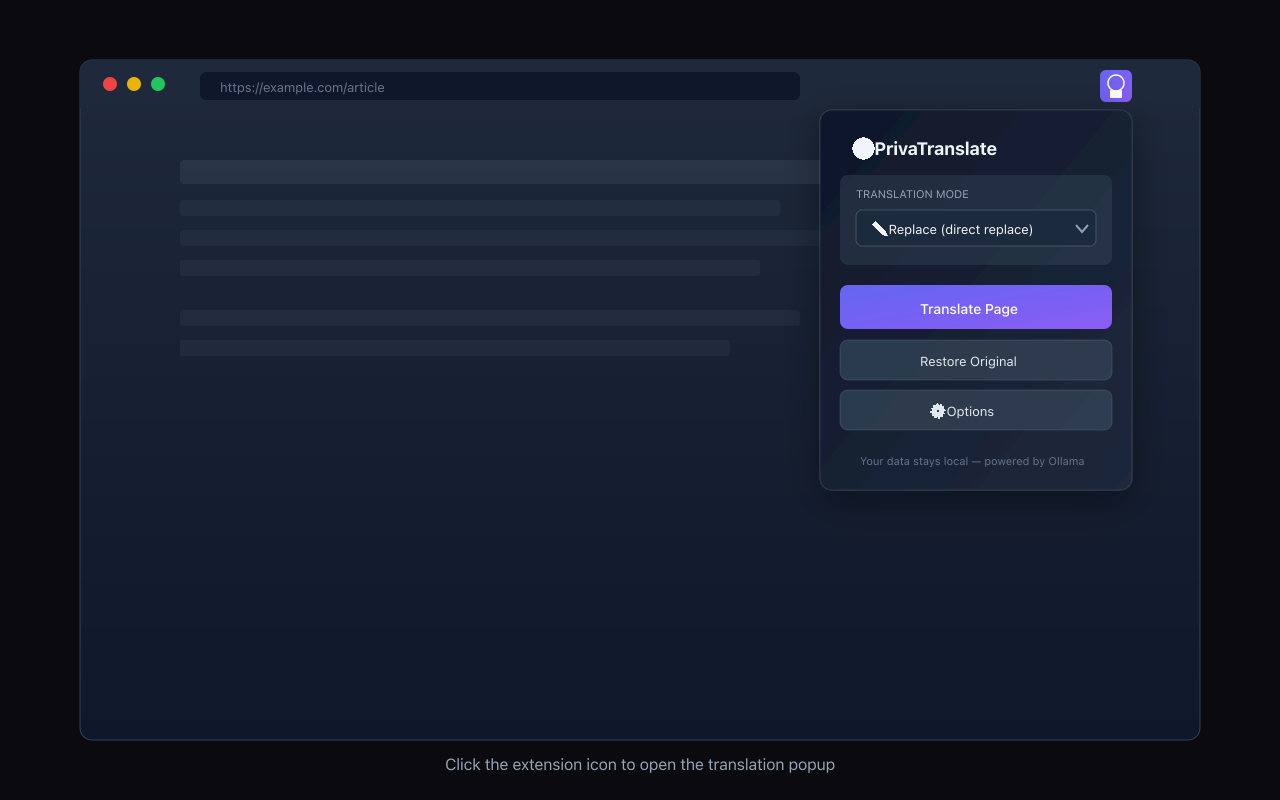
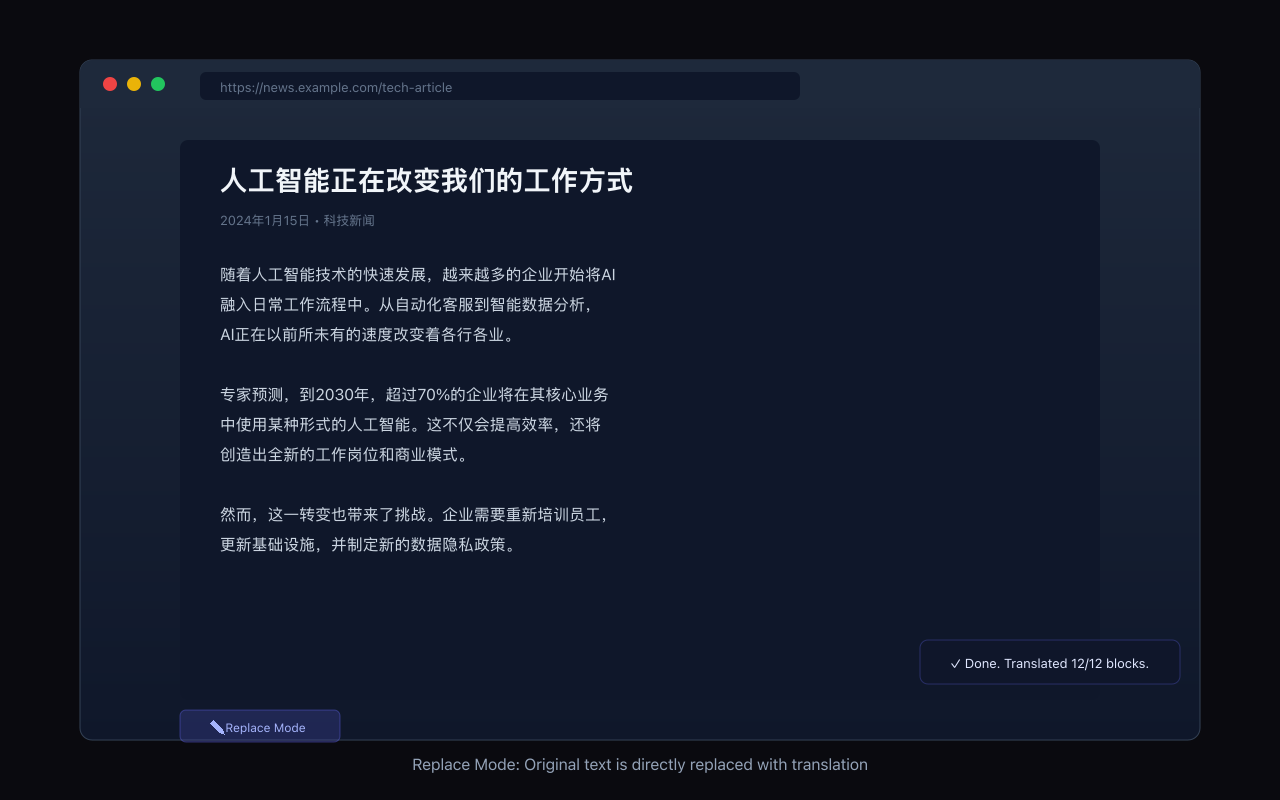
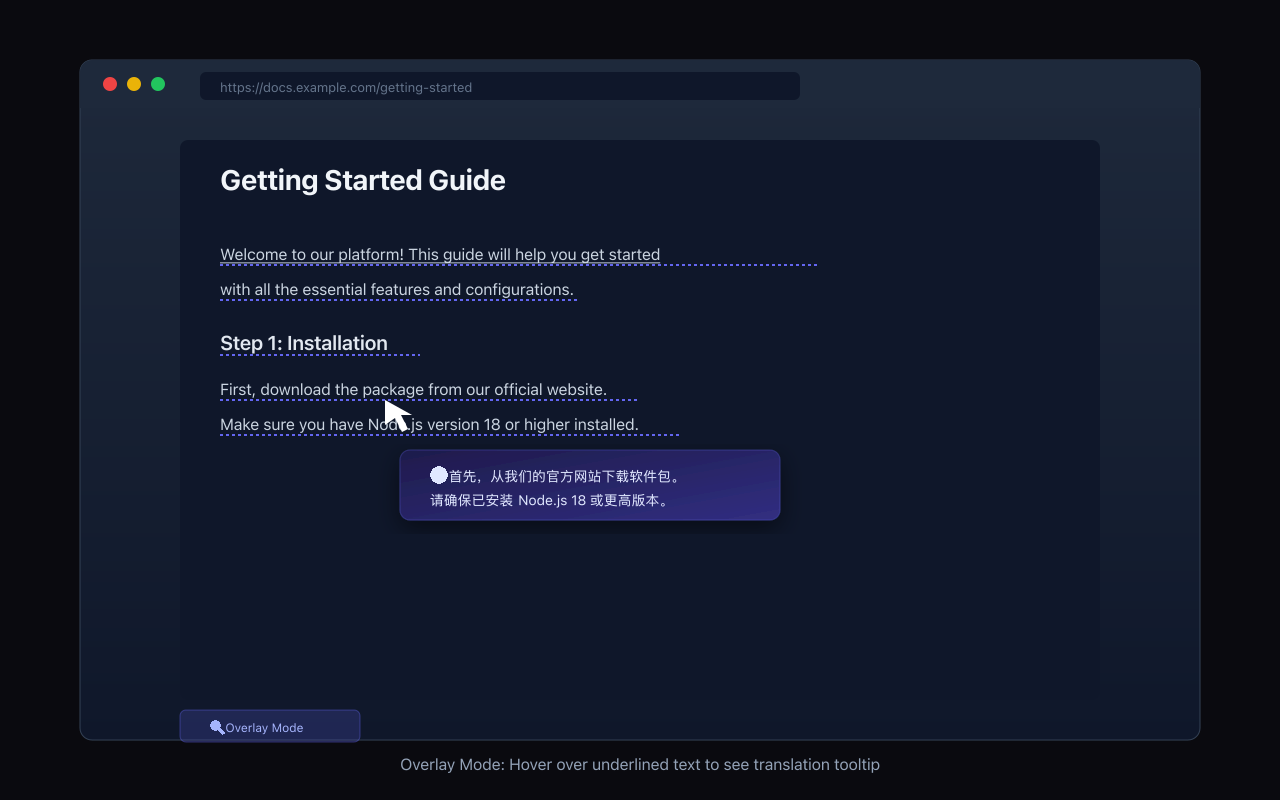
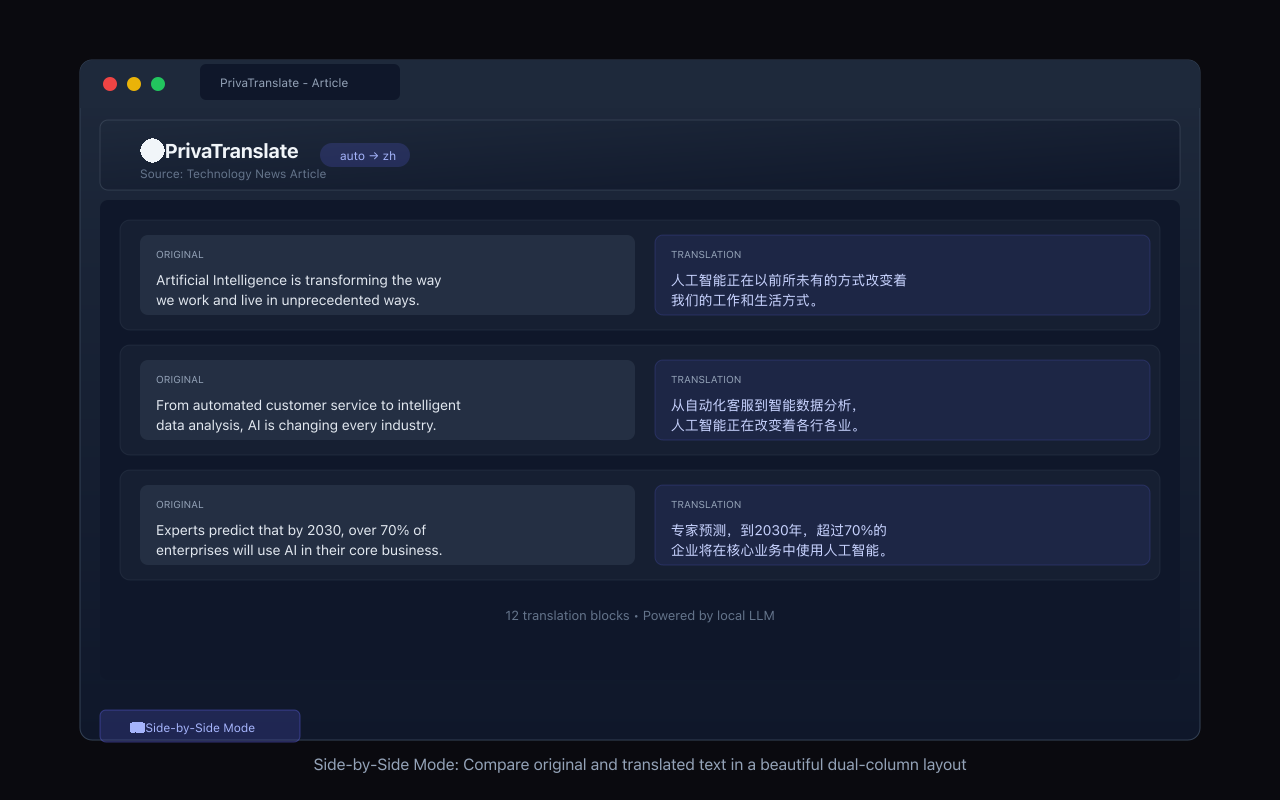
Translate pages in Overlay, Replace, or Side-by-Side mode with the Chrome extension.
Product screenshots
One product. More platforms ahead.
macOS
Menu-bar translation, global shortcut, and local provider support.
Download on the Mac App Store ↗iPhone & iPad
Direct translation, local history, and Share Extension support.
Download on the App Store ↗Chrome
Translate web pages with overlay, replace, and side-by-side display modes.
Download on Chrome Web Store ↗Windows
Coming soon.
Android
Coming soon.
Private by design, flexible by choice
Built-in local mode processes text on your device. If you configure a remote provider, PrivyTranslate only connects to the endpoint you specify. It does not operate a translation cloud, collect prompts, or add tracking to your workflow.